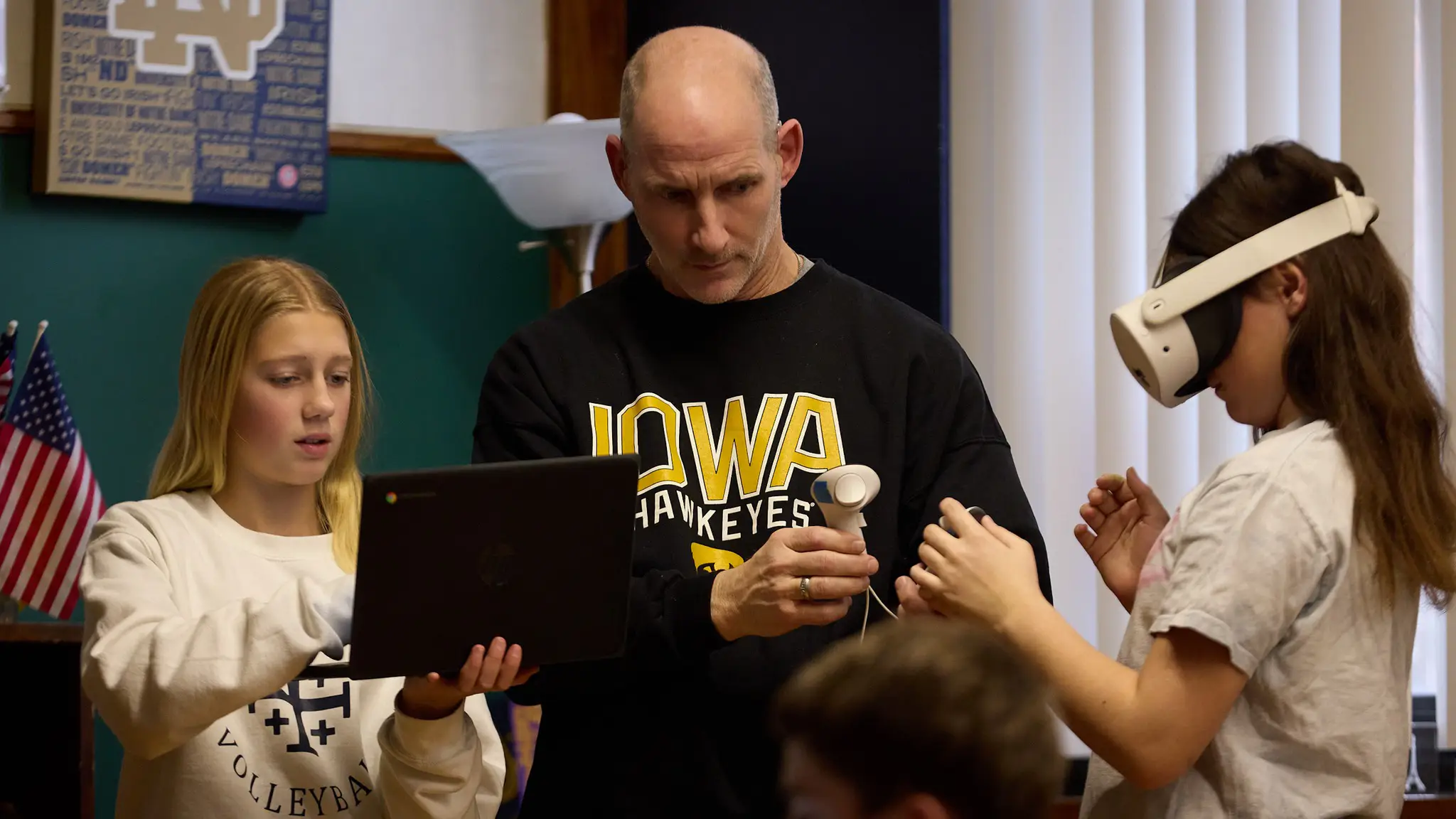
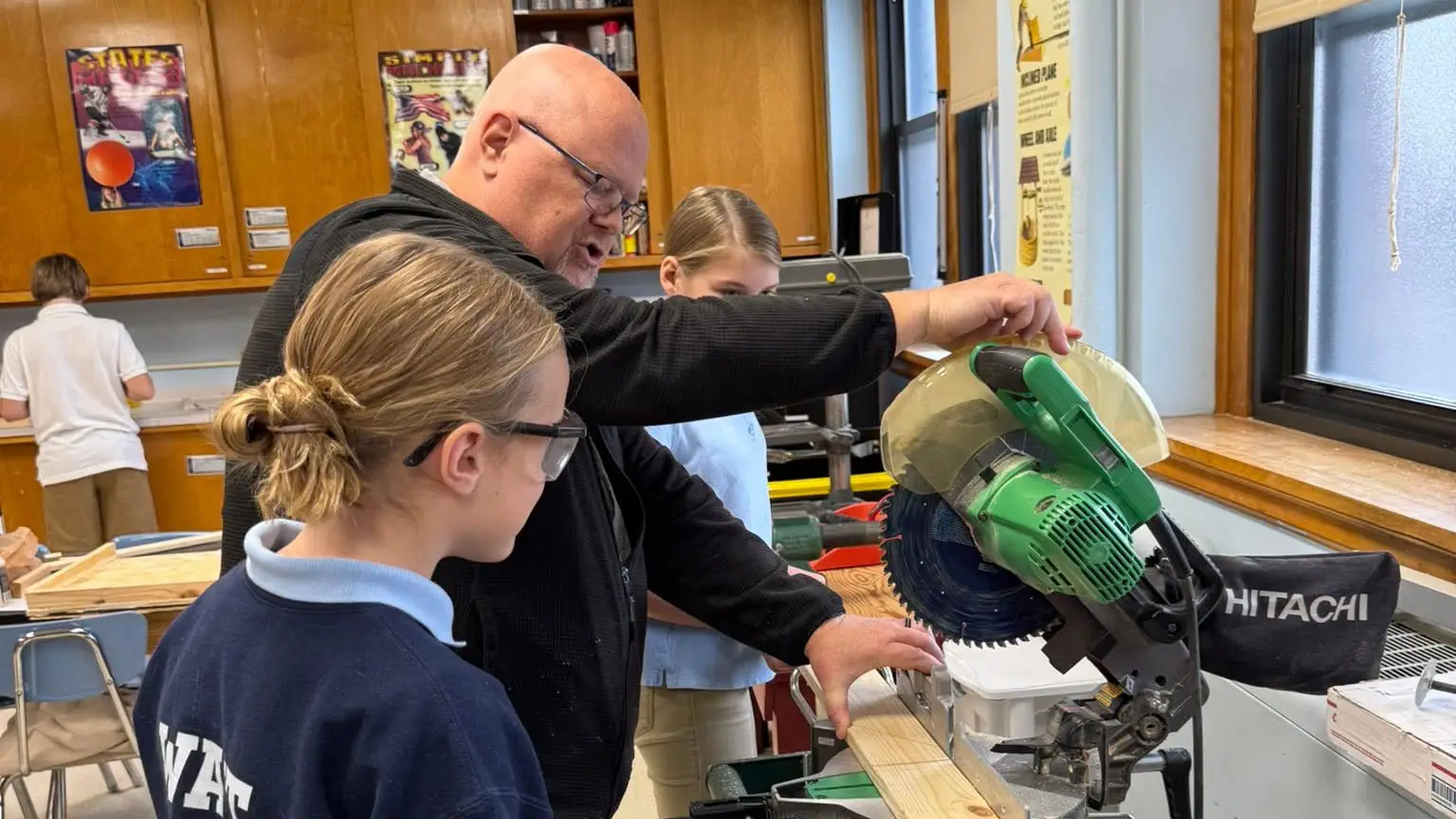
Our junior high students learn to use a band saw
Not a simulation of one. The actual tool, in our STREAM lab, with safety training and supervision, alongside a mitre saw, a drill press, a vice, and a range of other power and hand tools. By the time a student graduates from St. Francis, they've used all of them.
Younger students have a STREAM room of their own, where the building happens with robotics kits, 3D printers, and hands-on science. Every student here also carries a personal device from class to class.
We have the technology. What we care about more is whether a student can think through a problem, build something real, and explain why it works.
Two rooms, two kinds of building
STREAM at St. Francis has two homes, so the work can match the age.
The STREAM Lab
A working shop as much as a classroom. Students design, measure, cut, assemble, test, and fix, which is a different kind of learning than reading about the process.
- Band saw
- Mitre saw
- Drill press
- Vice
- Power & hand tools
Students are trained on each one, and safety is taught before technique. Mr. Carey leads the work here.
The STREAM Room
Where younger students do their building. Robotics kits and visual programming teach how written instructions turn into physical behavior. 3D printers take an idea from a sketch to a drawing to an object a child can hold. Hands-on science experiments make abstract concepts physical.
- Robotics kits
- Visual programming
- 3D printers
- Hands-on science
Mr. Holbrook and Mrs. Wear lead most of what happens in this room.
We call it STREAM
The R isn't decoration. Adding religion to the acronym is a claim about what the other letters are for: that engineering and science aren't morally neutral skills a person picks up on the way to a career, but capacities given to us and meant to be used well.
It's the same conviction behind how we teach everything else: subjects taught in relation to each other rather than in sealed boxes, aimed at what's true and good, and pointed somewhere beyond a résumé.
Practically, it means a student building something in our lab is asked what it's for and who it serves, not only whether it works.
How we teach faith →Taught by people who like this work
STREAM isn't confined to two rooms or three teachers, though. Faculty across the building work STREAM projects into their own subjects, which is the point of integrating rather than scheduling.
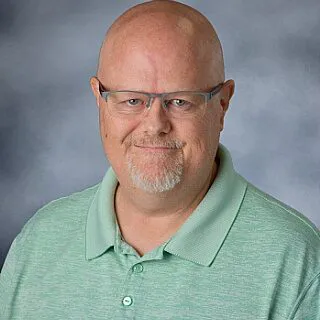
Shaun Carey
Science, STREAM & Dean of StudentsTeaches sixth through eighth grade science and STREAM, and runs the STREAM lab, where the tools are.
Read bio →Chris Holbrook
P.E. & STREAMTeaches P.E. and STREAM, and leads the STREAM room where younger students build.
Rebecca Wear
Fourth GradeBrings a real passion for science to her fourth-grade classroom, and helps lead the STREAM room.
The right tool for the job
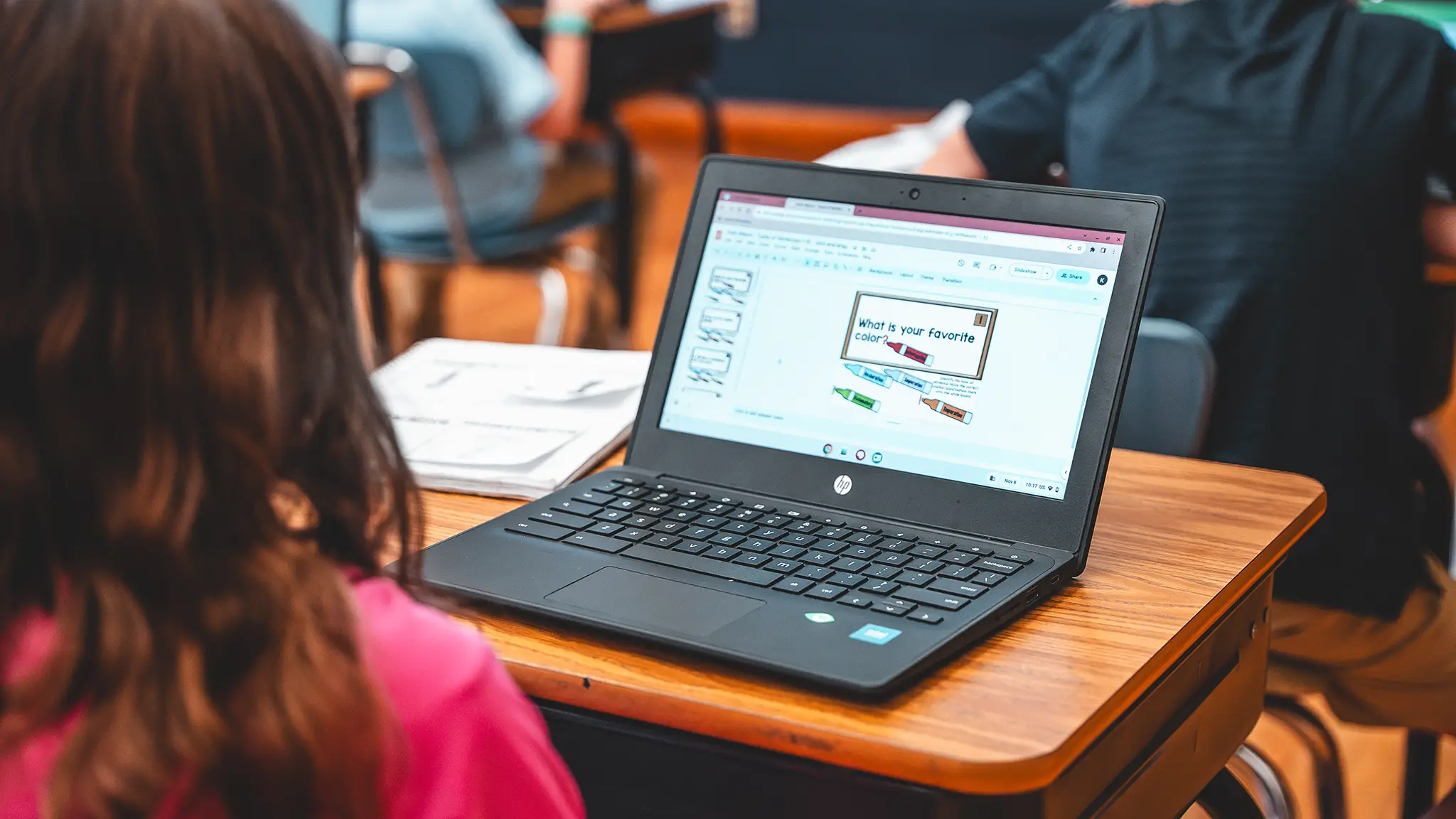
Every student in kindergarten through eighth grade has access to a personal device through the Quincy Catholic Schools 1:1 program. Classrooms have interactive boards, document cameras, and wireless screen sharing. Teachers use Google Classroom for assignments and feedback, and families follow grades and attendance through the FACTS portal.
Our students also have books, paper, pencils, hand tools, and a teacher standing in front of them. Which one a lesson calls for is a decision our teachers make deliberately, and the answer isn't always a screen.
Technology here is a tool that serves the work, not a substitute for it.
Our tech stack
For families who want the full picture.
Devices and classroom equipment
Students in kindergarten through eighth grade have a personal device through the Quincy Catholic Schools 1:1 initiative, using iPads and Chromebooks for research, writing, and digital assignments. Classrooms are equipped with interactive whiteboards and smart boards, document cameras and projectors, and wireless presentation tools including Apple TV and Chromecast so students can share their work from their seats.
Making, building, and designing
Our STREAM lab for grades six through eight includes a band saw, mitre saw, drill press, vice, and a range of other power and hand tools. A second STREAM room supports younger students with 3D printers for design and fabrication, coding and robotics kits including LEGO Mindstorms and Scratch, and equipment for hands-on science. Students also use art and design software for digital illustration, layout, and photo editing.
Learning platforms and resources
Teachers use a range of educational applications for assignments, feedback, and classroom management. Students have access to digital libraries and e-books, interactive science and math simulations, and virtual and augmented reality experiences that bring history, geography, and science into the room. Audio-visual equipment supports student presentations and multimedia projects.
Safety, support, and communication
Students learn digital citizenship and online safety as part of the curriculum, not as a one-time assembly. Families stay connected through the FACTS parent portal for grades and attendance, along with text alerts and email.
Where it shows up
Outside the two STREAM rooms, technology turns up wherever it helps the work.
Classrooms around the world
Mr. Zanger's social studies classes meet regularly by video with classrooms in other countries. Students ask questions of people their own age living the geography they're studying.
Project-based work
Students research, collaborate, build, and present. The technology is in service of the project, and the project is the point.
Creative arts
Design software and digital tools give students another way to make things in art, music, and design.
Physical education
Activity trackers in P.E. turn effort into something students can see, which turns out to be motivating.
STEM Night
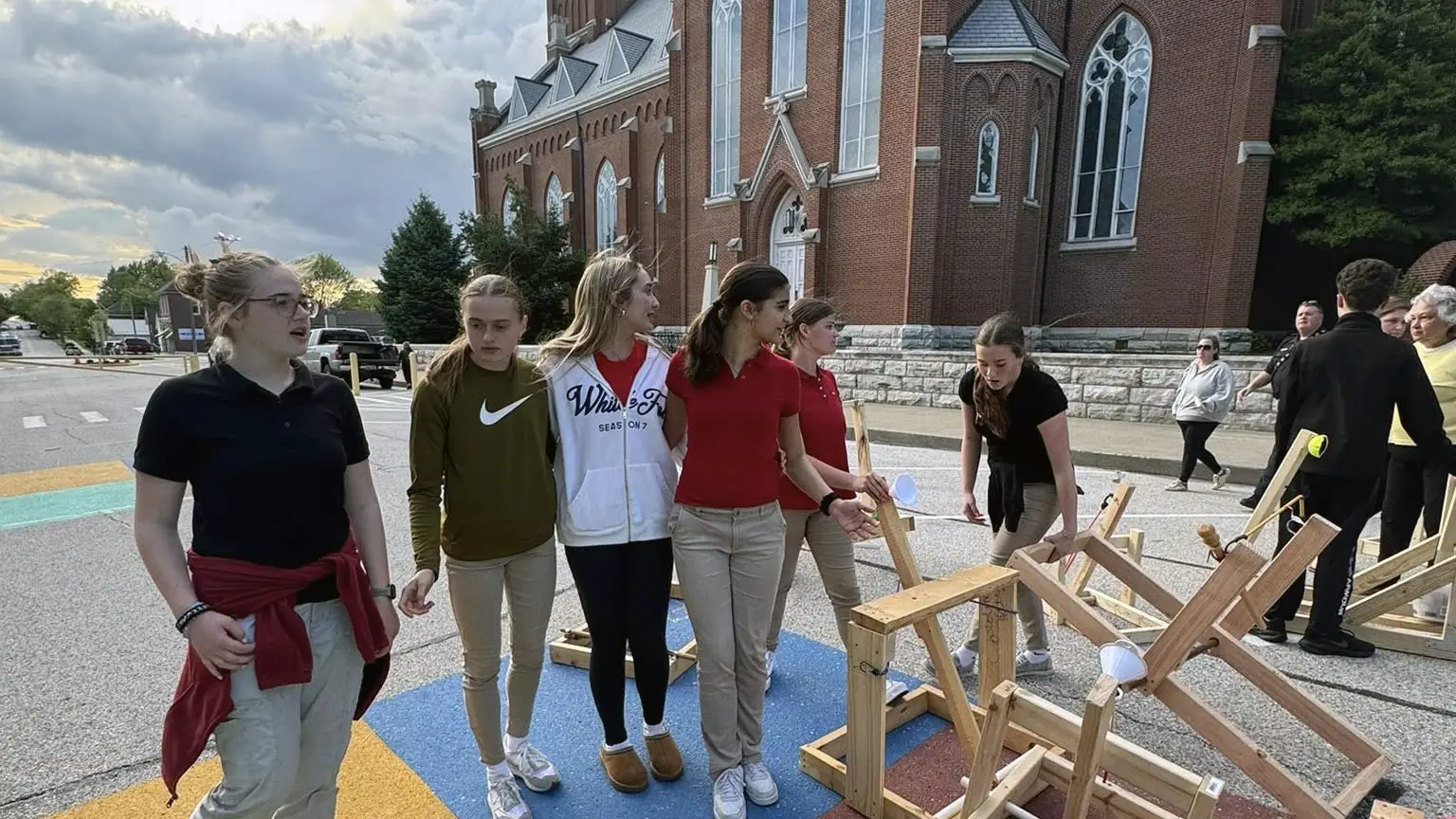
Once a year our upper-grade students set up their projects and demonstrate them, running, moving, and occasionally failing in front of an audience. Families come through, younger students wander wide-eyed, and the eighth graders explain their work to anyone who asks.
It's the best evidence we have that this is working. A student who can stand next to something they built and answer questions about it has learned more than a test could measure.
Technology questions, answered
Don't see yours? The school office is glad to help.
(217) 222-4077Does every student have a device?
Yes. Students in kindergarten through eighth grade each have a personal device through the Quincy Catholic Schools 1:1 program, used for research, writing, and assignments across subjects.
What is STREAM?
STREAM stands for Science, Technology, Religion, Engineering, Arts, and Math. It's the STEM framework with religion integrated, reflecting our conviction that technical skill is meant to serve something beyond itself.
What's in the STREAM lab?
The STREAM lab serves grades six through eight and is equipped with a band saw, mitre saw, drill press, vice, and a range of other power and hand tools. Every student learns to use them safely before graduating.
Do junior high students really use power tools?
Yes, with training and supervision. Safety instruction comes before technique, and students work under the direction of teachers who use these tools regularly.
Is there a STREAM space for younger students?
Yes. We have a second STREAM room where younger students work with robotics kits, 3D printers, and hands-on science experiments. STREAM projects also happen in regular classrooms across the school.
Do you teach coding and robotics?
Yes. Students work with robotics kits and visual programming environments, learning how written instructions turn into physical behavior.
How much screen time do students have?
That depends on the lesson. Our teachers choose the tool a lesson calls for, and often that's a book, a conversation, or a piece of wood and a clamp. Technology supports the work rather than replacing it.
How do you handle online safety?
Digital citizenship and online safety are taught as part of the curriculum. Specific device and internet-use expectations are set out in the parent handbook.
Is there a STEM fair?
Yes, held annually. Upper-grade students present and demonstrate their projects for families and the school community.
What our families say
Faith & Tradition
Our family's love for St. Francis Solanus School is deeply rooted in faith and tradition. With Joe's family having attended for generations, it is incredibly meaningful to now watch our children walk the same halls and grow in the same values-rich, faith-centered environment.
 Joe & Alexis Darnell Family
Known at every stage
St. Francis Solanus meets the individual academic needs of all our children at every stage of development. Our older kids recognized the "St. Francis Solanus difference" during an initial school visit and were ready to start the next day! The parent-teacher partnership is collaborative and focused on helping students do their best, and the Catholic influence of the priests, deacons, DRE, and staff is focused on fostering a true and lasting relationship with Jesus Christ.
 Aaron & Karen Weiman Family
To be Jesus to others
St. Francis provides a quality Catholic experience. They learn not only how to add and subtract but to know Jesus, love Jesus, and to be Jesus to others. We are proud of our choice to have provided a faith-based education for our children and that our children have continued to choose St. Francis for their children. It is important to celebrate the privilege of a Catholic education and we have been blessed to have been supportive of continuing this legacy.
 Deacon Dennis and Pat Holbrook
Accountability with grace
The culture is one of partnership. Students are truly known by their teachers and staff. There is accountability paired with grace. Leadership is present and engaged.
 The Friye Mamdani Family
Enthusiasm and dedication
The teachers of St. Francis are observing and always seeking ways to improve the abilities of our students. The enthusiasm and dedication from the teachers has helped our children gain confidence and excel in multiple areas.
 Brad & Makenzie Holtmeyer Family
Lessons come to life
The teachers at St. Francis bring lessons to life, creating engaging classrooms where students feel excited about learning. What stands out most is their strong training in literacy instruction, ensuring that every student grows as a confident, capable reader and communicator.
 John & Lindsey Kelly Family
We felt the pull
We never thought we would be the family transferring our children to a new school. After being parishioners for a few years, we felt the pull to enroll our children at St Francis school. As soon as we took a tour, our girls' faces lit up and they said they wanted to start the next day.
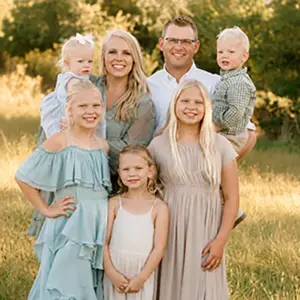 Brad & Amanda Genenbacher Family
Loving, caring & nurturing
Mrs. Wiewel has taught both of our girls over the last two years. She is so loving, caring and nurturing and with her help, our child was able to succeed in an academic area she was previously struggling in.
Brad & Amanda Genebacher FamilyAcademic excellence
St. Francis School offers a welcoming and nurturing environment where academic excellence is paired with strong values rooted in the Catholic tradition.
 Dr. Samuel & Danielle Healy Family
Inviting family-feel
The school is small which gives it a warm, inviting family-feel. Staff and students alike begin to know everyone within the building. This brings a sense of comfort knowing our children are being well taken care of while growing in academics and in faith.
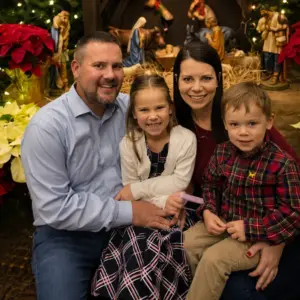 James & Tera Terwelp Family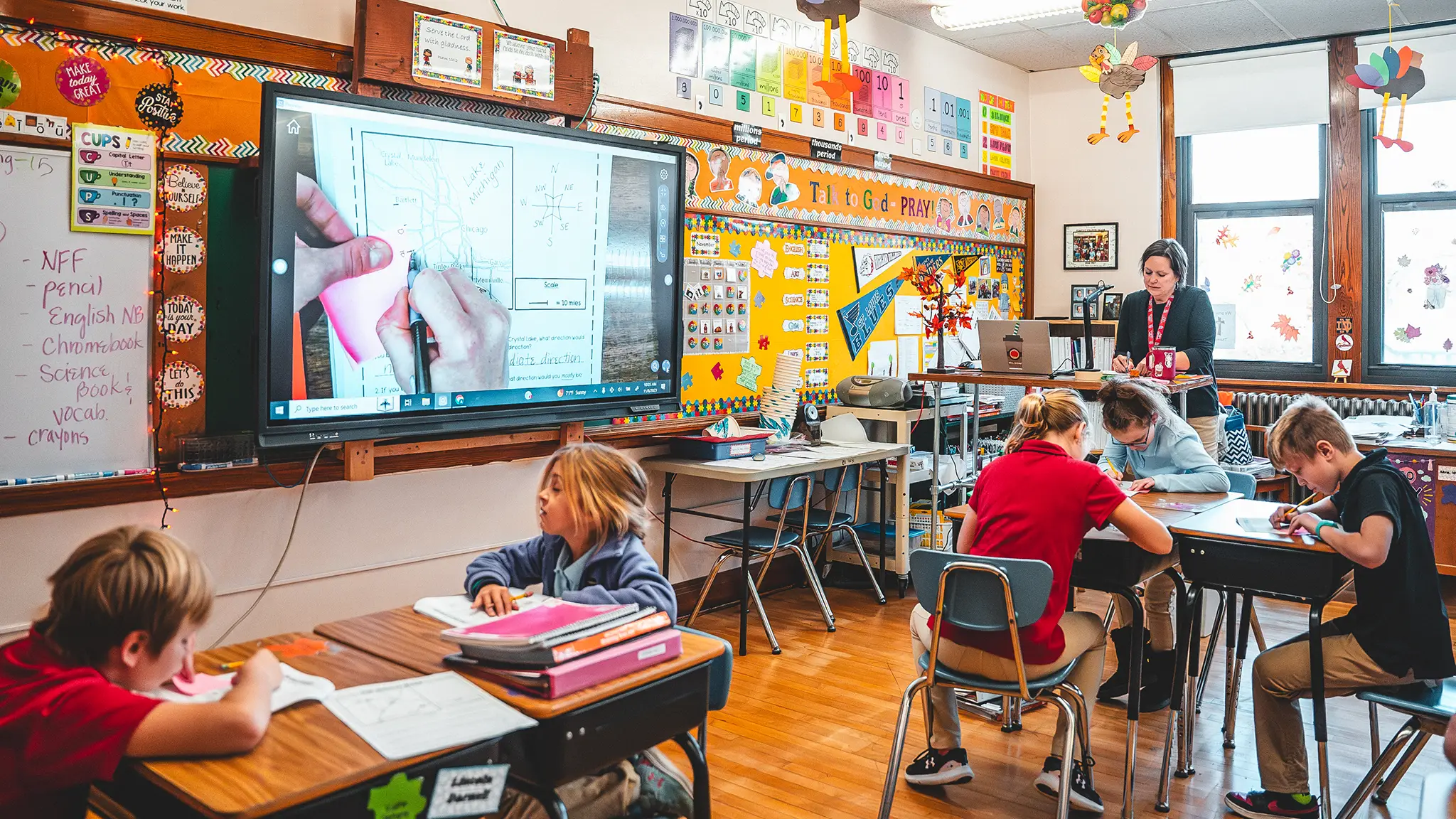
See a class in action.
Sit in on a lesson and watch how our teachers choose the right tool, screen or not. Ask to see the STREAM lab while you're here, too. It's the room students most want to show you.